Field notes/Product Page UX
Product page UX should make the buying decision easier.
A product page is not a brochure. It is the decision room where value, proof, risk, options, and next action need to appear in the right order.

Shopify Inbox AI Assistant: What to Prepare Before It Answers Buyers
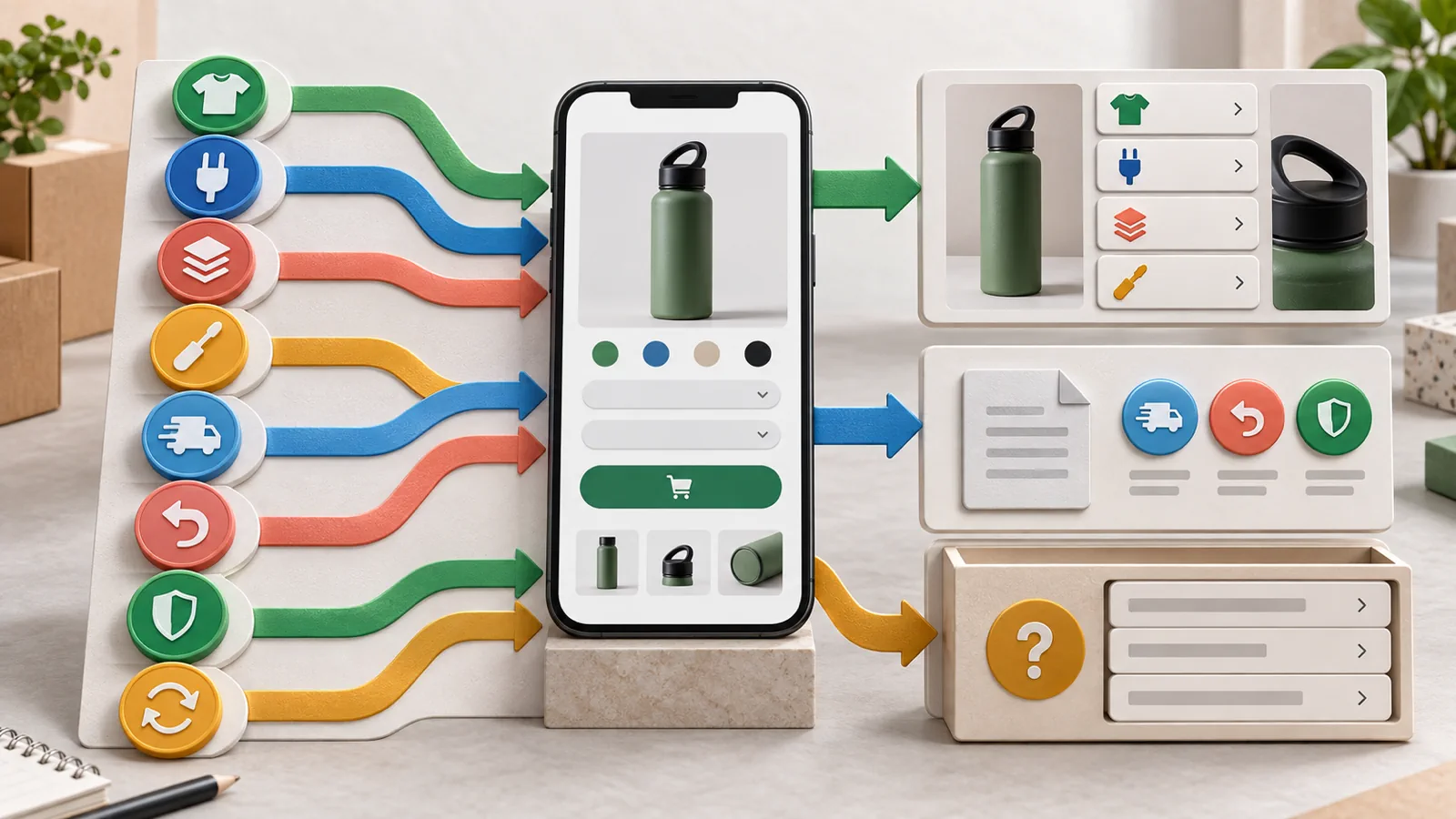
Shopify Product Page FAQs: Answer Buyer Objections Before They Become Support Tickets
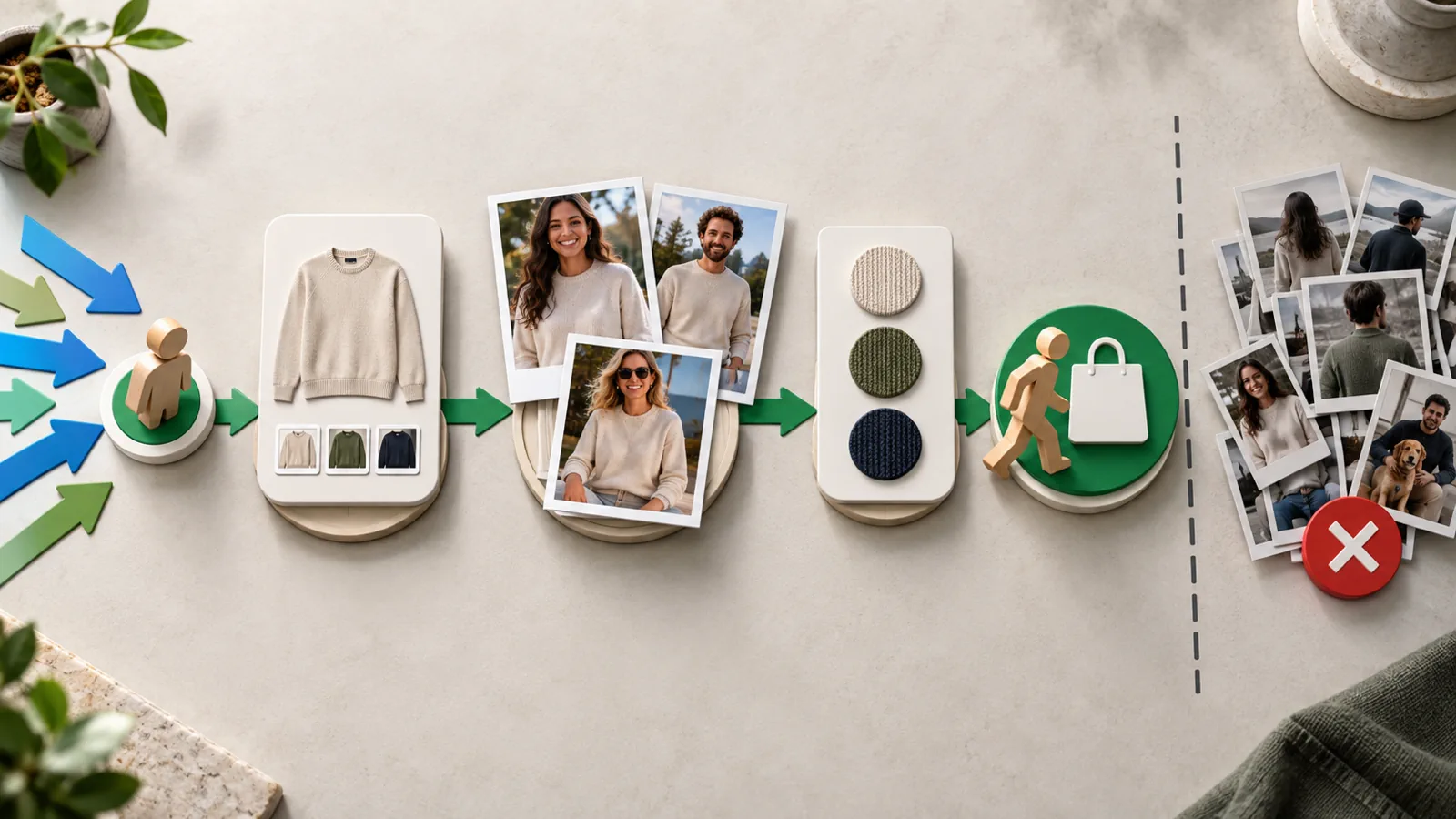
Customer Photos on Product Pages: Where Proof Belongs Before Paid Traffic
Product Page UX guides
28 articlesOct 1, 2026Product Page UXShopify Inbox AI Assistant: What to Prepare Before It Answers Buyers14 minSep 10, 2026Product Page UXShopify Product Page FAQs: Answer Buyer Objections Before They Become Support Tickets13 minAug 9, 2026Product Page UXCustomer Photos on Product Pages: Where Proof Belongs Before Paid Traffic13 minSep 15, 2026Product Page UXShopify Custom Product Sections: Keep SEO Schema and Buying Content When Rebuilding PDPs13 minAug 10, 2026Product Page UXProduct Bundles on Shopify Product Pages: When Bundles Help or Hurt Conversion11 minSep 12, 2026Product Page UXShopify Product Comparison Tables on Mobile: When Similar SKUs Need Chooser Cards11 minSep 11, 2026Product Page UXVariant-Specific Product Media on Shopify: When Color or Size Selection Does Not Update the Gallery Buyers Need12 minSep 7, 2026Product Page UXSubscribe and Save on Shopify PDPs: When Recurring Offers Create First-Purchase Doubt12 minSep 1, 2026Product Page UXShopify Live Product Preview: When Personalization Needs Visual Confirmation Before Add-to-Cart13 minAug 30, 2026Product Page UXShopify Product Video vs Main Image: What Should Lead the PDP Gallery?14 minAug 29, 2026Product Page UXShopify Variant Sale Pricing Disappears on Product Cards and PDPs: How to Keep the Offer Clear13 minAug 25, 2026Product Page UXShopify PDP Says In Stock but Checkout Says Sold Out: Fix Market-Specific Inventory Trust13 minAug 23, 2026Product Page UXLarge-Catalog Shopify PDP Triage: Which Product Pages to Fix First10 minAug 20, 2026Product Page UXAI Can Read a Different Shopify Store Than Buyers See11 minAug 19, 2026Product Page UXShopify Variant Options: When Swatches and Sizes Confuse Buyers11 minAug 17, 2026Product Page UXShopify Mobile Media Galleries: When Images, Thumbnails, and Swipes Stop Helping Buyers Decide10 minAug 16, 2026Product Page UXSticky Add-to-Cart on Shopify Mobile: When the Bar Helps or Breaks Variant Selection11 minAug 7, 2026Product Page UXMobile Product Page Conversion Checklist for Shopify Stores11 minJul 23, 2026Product Page UXShopify Preorder Deposits: When Partial Payments Confuse Buyers Before Checkout12 minJul 17, 2026Product Page UXShopify Preorder vs Back-in-Stock: When Sold-Out PDPs Should Take Payment or Collect Demand11 minJul 14, 2026Product Page UXShopify Dynamic Checkout Buttons: When Accelerated Payments Break the Buying Path11 minJul 10, 2026Product Page UXShopify Product Descriptions That Answer Buyer Objections12 minJul 5, 2026Product Page UXShopify Buying Section Buried Below Content: When Shoppers Cannot Find the CTA11 minJul 1, 2026Product Page UXApparel Product Pages: What to Show Before the Size Selector12 minJun 27, 2026Product Page UXWhat Should Be Above the Fold on a Shopify Product Page?9 minJun 27, 2026Product Page UXWhere to Place Reviews and Proof on Ecommerce Product Pages9 minJun 27, 2026Product Page UXWhy Shopify Product Pages Get Add-to-Carts but No Purchases10 minJun 25, 2026Product Page UXFirst-Screen Buying Hierarchy: What Your PDP Must Explain Before the CTA6 min
FAQProduct Page UX
Useful questions before you rebuild.
What makes a strong product page first screen?
The first screen should quickly explain the product, core promise, proof, price context, choices, and next action.
Where should reviews appear?
Reviews should support key claims near the decision points, not only sit in a large block near the bottom of the page.
Is mobile PDP order different?
Yes. Mobile buyers see one column, so the order of images, claims, proof, variants, and trust cues matters more.
Launch · Redesign · Migration
Want practical direction for your own store?
Answer a few questions. If it looks like a fit, you get a free personal review with what we would do first.
2-minute quiz · your first look by email in a few minutes · no call needed