Shopify Preorder vs Back-in-Stock: When Sold-Out PDPs Should Take Payment or Collect Demand
Sold-out product pages still have buyer intent. The page needs to decide whether to take a preorder, collect demand, or redirect shoppers without breaking trust.
A sold-out Shopify product page should not default to either a disabled button or a vague preorder. The right action depends on fulfillment certainty, inventory control, payment timing, mixed-cart behavior, buyer risk, and whether demand is still unproven.
Should a sold-out Shopify product use preorder or back-in-stock?
Use preorder when the buyer can make an informed commitment: the product is coming, quantity is controlled, the fulfillment window is credible, payment timing is clear, and the cancellation or refund policy is visible before checkout. Use back-in-stock when demand is uncertain, supply timing keeps moving, inventory is not committed, or taking payment would create avoidable support and refund risk. A waitlist collects intent without promising fulfillment. A preorder turns intent into an order, so the product page must explain what is paid now, what happens later, when the item is expected, whether in-stock items ship separately, and how updates will be handled.
Key takeaways
- Use preorders when supply, timing, payment terms, and cancellation policy are clear enough for a buyer to commit.
- Use back-in-stock when timing is uncertain, demand is still being measured, or taking payment would create support risk.
- The sold-out PDP still needs a strong next action: preorder, notify me, choose an alternative, or contact the store.
- Preorder messaging has to follow the buyer through PDP, cart, checkout, confirmation, and update emails.
- Mixed carts with in-stock and preorder items need clear shipping, split-delivery, and payment expectations before checkout.
Out-of-stock traffic is not dead traffic. A shopper who reaches a sold-out product page may still be high-intent: they searched the exact product, clicked a campaign, followed a restock mention, or returned after considering the purchase.
The leak starts when the page gives them the wrong commitment. A disabled add-to-cart button wastes demand. A careless preorder captures revenue but creates confusion. A generic notify-me box collects email but may lose buyers who were ready to commit.
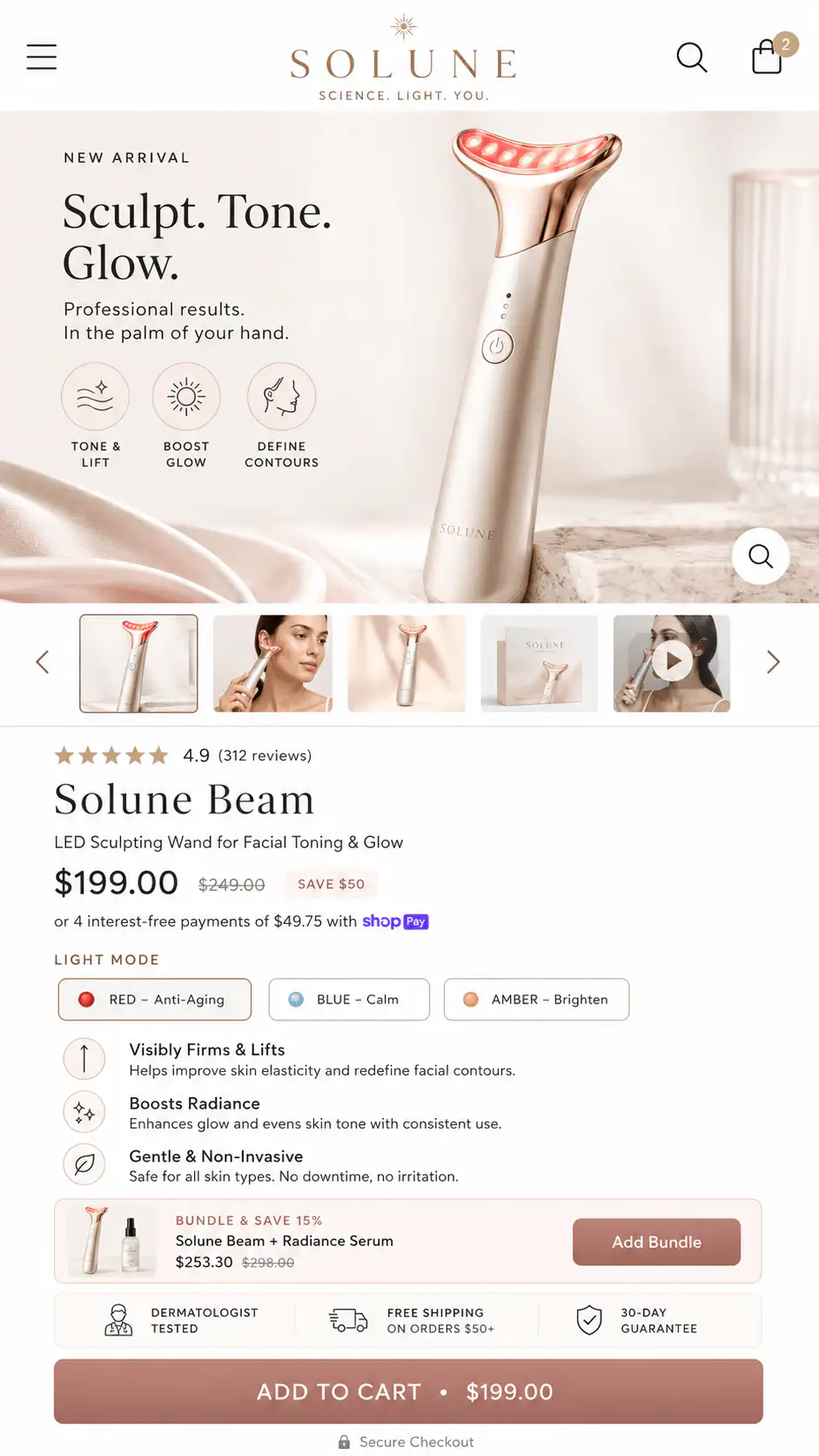
When should a Shopify PDP take a preorder?
A preorder is right when the store can make a real fulfillment promise. That promise does not need to be an exact day in every category, but it does need to be specific enough that a buyer understands the commitment.
The more money, time, or uncertainty involved, the more the PDP has to explain before asking for payment. A preorder for a limited product with a clear production run is different from a vague coming-soon item with no supplier confirmation.
- Inventory or production quantity is capped enough to avoid overselling.
- The expected shipping window is credible, even if it is a range.
- The buyer can see whether payment is charged now, later, or partially.
- The cart and checkout repeat the preorder state.
- Mixed carts explain whether in-stock items ship separately.
- Cancellation, refund, and delay-update policies are easy to find.
- Support can handle update requests without manual guesswork.
If the support team will have to explain the preorder after every purchase, the PDP did not explain the preorder before purchase.
When is back-in-stock safer than preorder?
Back-in-stock is safer when the store does not know whether it can fulfill the order cleanly. It captures demand without creating a payment obligation. That matters when suppliers move dates, allocations are not confirmed, production runs are uncertain, or shipping cost will be known later.
A waitlist is not weaker than a preorder. It is a different promise. The buyer is saying, tell me when this is available. The store is not saying, pay now and trust us to deliver later.
| Use this action | Best when | Buyer promise |
|---|---|---|
| Back-in-stock | Demand is real but timing or supply is uncertain | We will notify you when it is available |
| Preorder | Supply and timing are credible enough to accept commitment | You can reserve this before it ships |
| Deposit | The store needs commitment but full payment is too much risk | Pay part now, balance later under stated terms |
| Alternative product | The item is not returning soon | Here is the closest available substitute |
| Contact or quote | The order requires manual confirmation | We will confirm feasibility before payment |
How do preorder deposits change the decision?
Deposits sit between a waitlist and full-payment preorder. They can reduce no-show risk and help the store plan inventory, but they also add comprehension risk. The buyer has to understand whether the deposit is refundable, what remains due, when the balance will be collected, and what happens if the item is delayed.
Shopify's own preorder and deferred-payment documentation supports deferred payment workflows, including payment due dates and due-on-fulfillment behavior. That solves part of the mechanics. It does not automatically solve buyer confidence. The page still has to make the payment state obvious.
- State the full product price.
- State what is due today.
- State what remains due later.
- State when or how the balance will be collected.
- State the expected shipping window.
- State cancellation, refund, and delay policies.
- Repeat the deposit terms in cart and confirmation messaging.
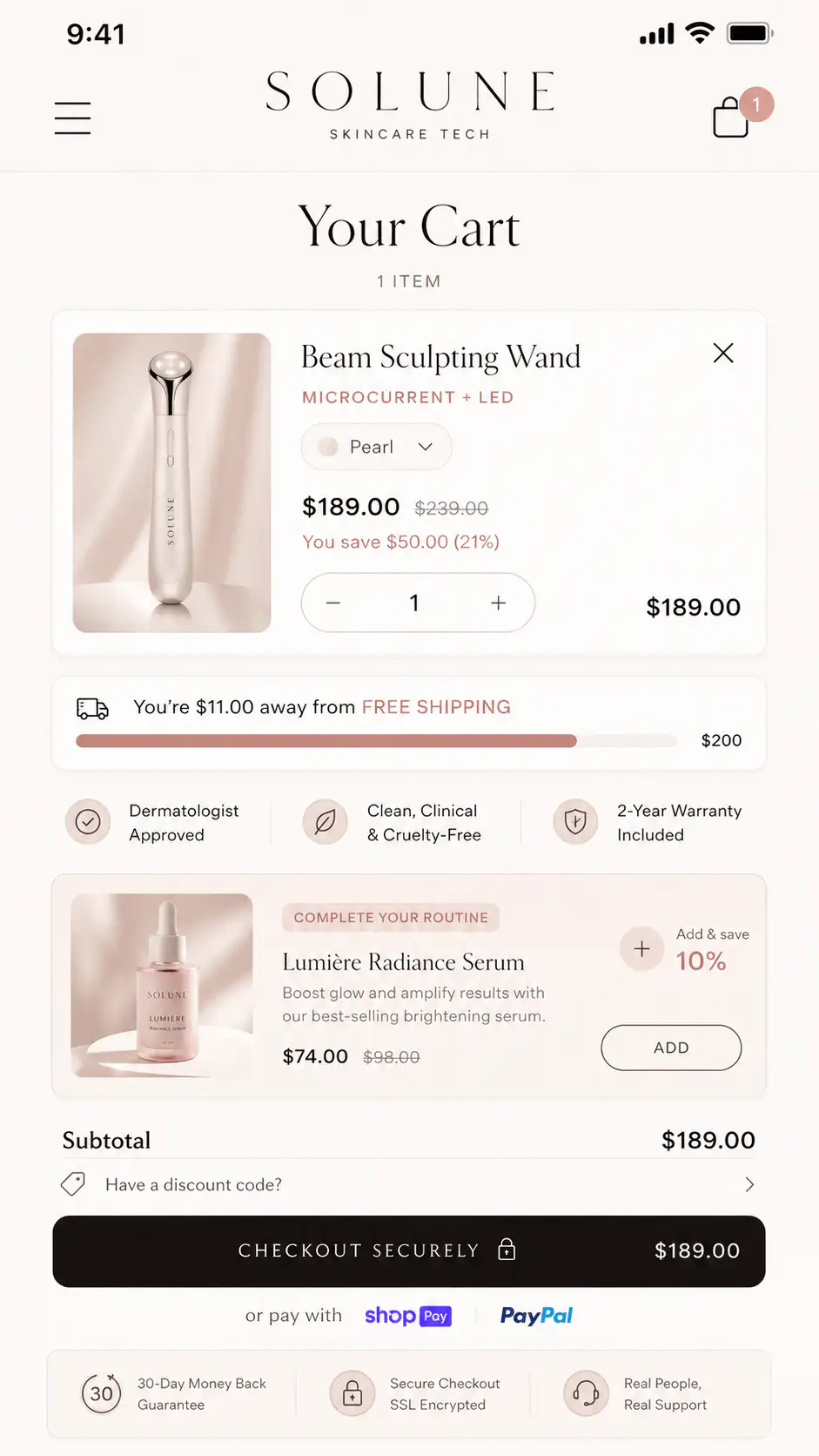
What should the sold-out PDP show before the CTA?
The availability block should not be a tiny label near the button. It is part of the product decision. Buyers need to know whether they are reserving a product, joining a waitlist, buying an alternative, or leaving the page.
- Status: in stock, preorder, backorder, sold out, waitlist, coming soon, or discontinued.
- Timing: expected ship window, release window, or restock uncertainty.
- Commitment: pay now, deposit now, pay later, or notify only.
- Quantity: limited allocation, made-to-order batch, or no cap stated.
- Risk: delay, cancellation, refund, exchange, or support policy.
- Next action: preorder, join waitlist, choose alternative, or contact support.
| PDP state | CTA copy | Supporting copy |
|---|---|---|
| Credible preorder | Preorder now | Ships in August. Card charged today. Cancel before fulfillment. |
| Deposit preorder | Reserve with deposit | Pay $50 today. Balance due before shipment. |
| Uncertain restock | Notify me when available | Join the waitlist. We will email when inventory is confirmed. |
| Limited batch | Reserve from next batch | Only 80 units available in this production run. |
| No return date | See similar products | This item is not scheduled for restock. |
| Manual confirmation | Request availability | We will confirm timing and shipping before payment. |
How should mixed carts be handled?
Mixed carts create a common preorder leak. The buyer adds one in-stock product and one preorder product, then checkout does not clearly explain whether items ship together, ship separately, or wait for the last item. That uncertainty often appears late, after the buyer has already committed attention.
If the store supports split shipping, say so before checkout. If the order ships only when all items are ready, say that too. Do not let a buyer discover the shipping rule from a vague delivery estimate, support email, or delayed fulfillment notification.
- Mark preorder line items in cart.
- Show the expected ship window beside the preorder item.
- Explain whether in-stock products ship now or wait.
- Do not hide preorder terms inside accordion text only.
- Confirm payment timing before payment.
- Send post-purchase updates when timing changes.
When should stores route buyers to alternatives?
Sometimes the honest next action is not preorder or waitlist. If the product is unlikely to return, the PDP should redirect intent to the closest available substitute. The key is not to pretend the alternative is identical. Explain what is similar and what changes.
This is especially useful for apparel colors, skincare routines, compatible accessories, replenishment products, collectibles with similar editions, and product families with tiers. A sold-out PDP can still save the session if it helps the buyer choose the next best product.
| Situation | Better next action | Why |
|---|---|---|
| Popular color sold out | Notify me plus show available colors | Keeps exact demand and offers an immediate path |
| Limited edition gone | Show similar edition or collection | Prevents dead-end traffic |
| Bundle component delayed | Offer complete alternative bundle | Avoids making buyer assemble a substitute |
| Uncertain supplier timing | Waitlist before preorder | Measures demand without payment risk |
| High-value made-to-order item | Request availability or deposit | Lets the store confirm details before full commitment |
How do you audit a sold-out product page?
Run the audit as a buyer, not as an admin. Start on mobile. Land from a collection card, search result, campaign, or direct product link. Ask what action the page is training the buyer to take and what promise the store is making.
- Can the buyer identify the availability state within five seconds?
- Does the CTA match the real action: preorder, notify, reserve, request, or choose alternative?
- Does the page state the expected ship or restock window?
- If money is collected, does the page explain payment timing?
- If only intent is collected, does the page say what happens after signup?
- Does variant selection update availability correctly?
- Does the cart repeat preorder or waitlist terms?
- Does checkout avoid contradicting the PDP promise?
- Do confirmation emails repeat timing, payment, and cancellation details?
- Can support answer delay questions from structured order data instead of guessing?
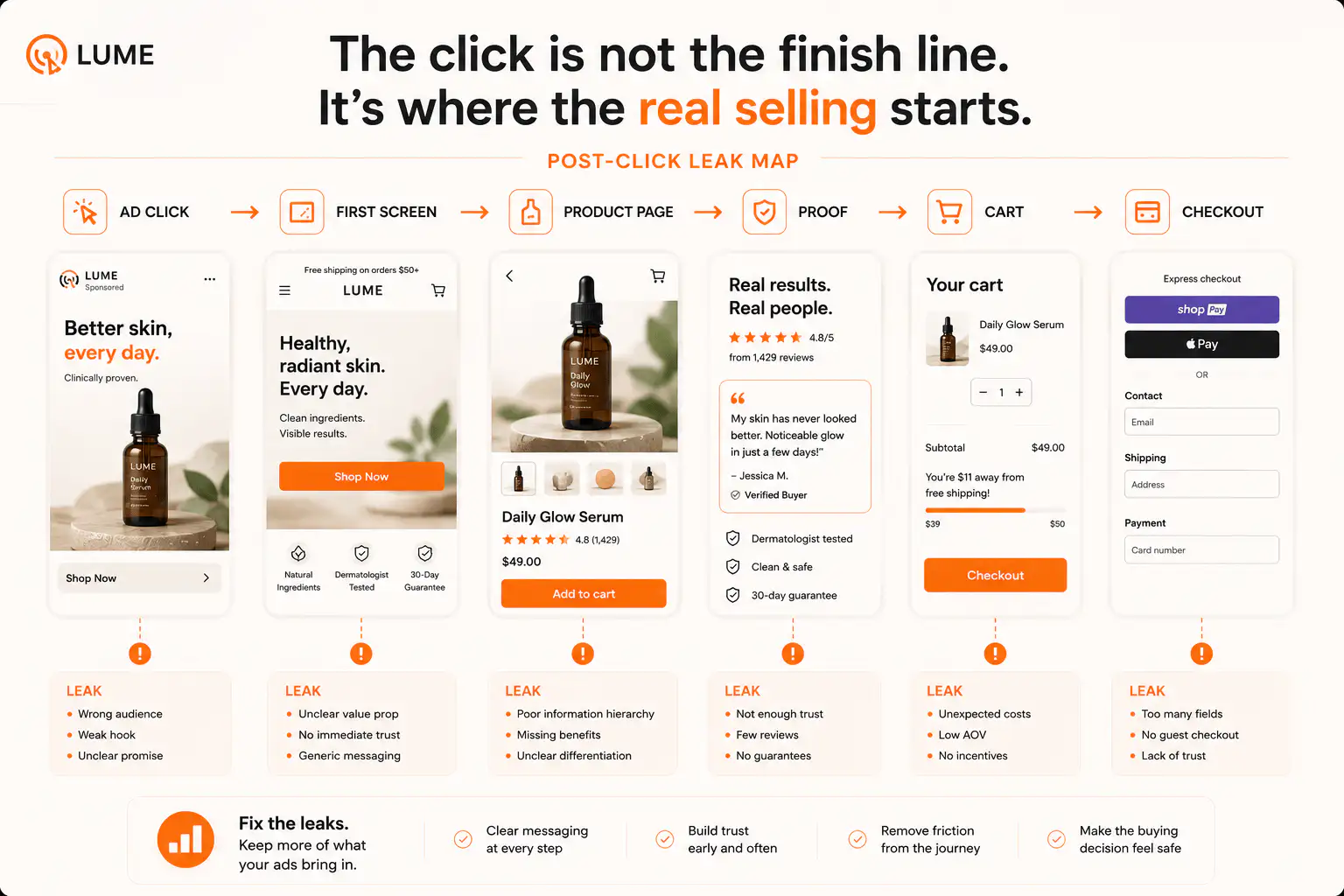
What should founders fix first?
Start with the promise, not the app. Write the availability state in one plain sentence. Then write the payment state in one plain sentence. Then write the fulfillment state in one plain sentence. If those three sentences are not clear, the implementation will not save the page.
Once the promise is clear, choose the simplest mechanism that preserves it across the path. Use preorder when commitment is appropriate. Use back-in-stock when demand capture is enough. Use alternatives when the product is not realistically returning. Use manual confirmation when the risk is too specific for a one-click purchase.
A preorder is a promise. A back-in-stock signup is a signal. Do not swap one for the other just because the app makes it easy.
Need the sold-out path to stop leaking buyers?
If preorder, back-in-stock, or sold-out states are confusing shoppers, get a Free Buying Journey First-Look. We will review the PDP promise, variant state, cart handoff, checkout expectation, and follow-up messages before you add another app.
FAQ
Is preorder better than back-in-stock for sold-out Shopify products?
Preorder is better when the store has enough supply and fulfillment certainty to accept a buyer commitment. Back-in-stock is better when timing, allocation, or demand is uncertain and the store should collect interest before taking payment.
Should a preorder product charge full payment or a deposit?
Full payment can work when fulfillment timing is credible and the policy is clear. A deposit can reduce buyer risk, but only if the page explains the full price, amount due today, balance due later, cancellation terms, and expected shipping window.
What should a Shopify preorder product page say?
It should say the product is a preorder, when it is expected to ship, what is paid now, what may be charged later, whether in-stock items ship separately, how cancellations work, and how the store will send delay updates.
When should a sold-out PDP show alternative products?
Show alternatives when the item is not returning soon, when demand can be served by a similar product, or when buyers are likely to leave if the only action is notify me. Keep the original waitlist option if exact-product demand still matters.
Can preorder and back-in-stock appear on the same product page?
Yes, but only when the distinction is clear. For example, a page can collect waitlist interest before the batch is confirmed, then switch to preorder when quantity, payment, and shipping expectations are ready.
Sources and verification notes
- Shopify Dev Docs, Pre-order and deferred purchase options, retrieved 2026-07-17
- Shopify Help Center, Setting up pre-orders, retrieved 2026-07-17
- Shopify Help Center, Managing pre-orders, retrieved 2026-07-17
- Reddit r/shopify, Preorder system setup discussion, retrieved 2026-07-17
- Shopify Community, Pre-order app discussion, retrieved 2026-07-17
- Shopify Community, Handling preorder products without overselling, retrieved 2026-07-17
- Reddit r/shopify, Back-in-stock notification discussion, retrieved 2026-07-17
- Reddit r/shopify, Split shipping for preorders and in-stock items, retrieved 2026-07-17