Shopify native A/B testing can help merchants compare major storefront and checkout changes, but it can also create false confidence when the store has low traffic, weak tracking, unresolved UX bugs, or a redesign variant that changes too many things at once.
- Test a redesign only after obvious buyer-path bugs, tracking gaps, and mobile blockers are fixed.
- A Shopify theme A/B test should isolate one buying-path hypothesis instead of comparing two completely different stores.
- Low-traffic stores should treat early winners as directional until the result survives enough orders, enough days, and clean segment checks.
- Measure add-to-cart, checkout start, purchase, revenue per session, refunds, support tickets, and variant-specific friction before declaring a winner.
- Native Shopify testing removes tooling friction, not experimentation discipline.
Before trusting a Shopify redesign A/B test winner, test one clear conversion hypothesis at a time: first-screen product clarity, PDP buying hierarchy, proof placement, mobile variant selection, cart confidence, checkout reassurance, or account flow friction. Do not treat a full redesign as proven only because one variant wins early. Check sample size, run length, traffic mix, revenue per session, checkout completion, refunds, support tickets, and tracking quality before publishing the winner to all shoppers.
Shopify Rollouts makes a long-requested workflow easier: merchants can schedule changes, gradually publish them, and run experiments for themes, checkout, and customer account configurations. That is useful because many redesign decisions used to happen as one risky launch: new theme, new PDP layout, new cart, new checkout messaging, and then everyone watched revenue nervously.
The trap is assuming native A/B testing makes the result automatically trustworthy. It does not. A weak test can still crown the wrong winner. A noisy result can still push a team toward a worse design. A full redesign can still hide the actual reason performance moved.
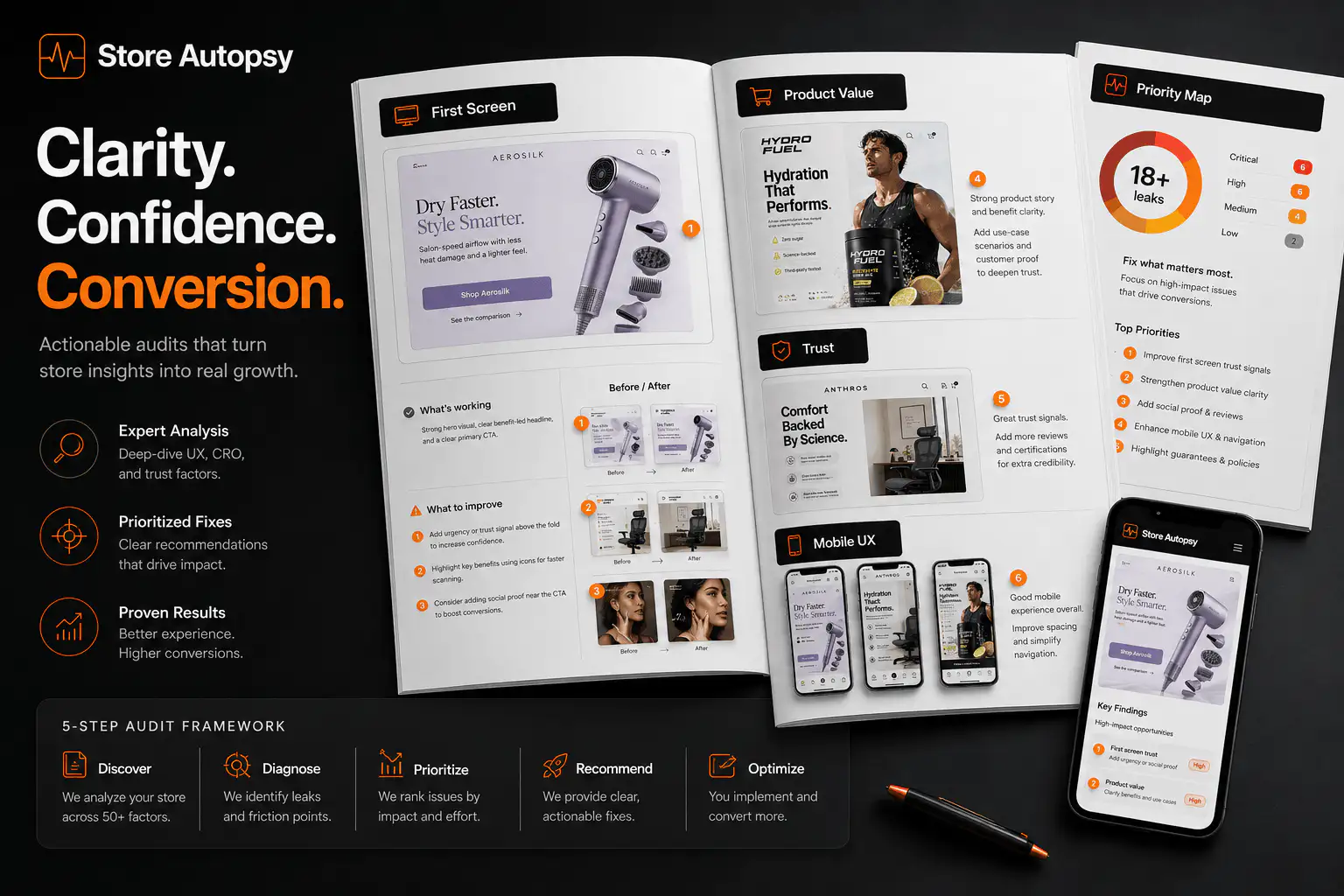
What Shopify native A/B testing changes
The important shift is operational. If the experiment lives closer to the Shopify publishing flow, a merchant can test higher-impact surfaces without stitching together a separate testing stack. Theme changes, checkout changes, and account changes can be handled as planned rollouts instead of midnight launches.
That helps teams move with less drama. It also means more merchants will run tests before they understand what makes a test worth trusting. Tool access usually rises faster than testing discipline.
Do not test a redesign before fixing obvious leaks
A redesign test is not the first diagnostic step. If shoppers cannot select variants on mobile, if add-to-cart silently fails in one browser, if shipping information appears only after checkout, or if analytics stopped firing after a consent banner change, an A/B test will mix design signal with operational noise.
Fix the known failure first. Then test the next best hypothesis. Otherwise the winning variant may simply be the one with fewer broken paths, not the one with a better buying argument.
- Run the current theme on mobile, desktop, Safari, Chrome, and the in-app browser used by your largest paid-social source.
- Check product page view, add-to-cart, cart view, checkout start, purchase, and revenue tracking.
- Confirm that discounts, bundles, subscription widgets, preorder labels, and quantity breaks behave the same in both variants unless one of those is the actual test.
- Inspect collection-to-PDP paths for products with variants, sold-out states, and promotional traffic.
- Open support tickets and reviews from the last 30 days to find objections that the redesign should address.
What should you test first?
Start where the buyer is most likely to lose confidence. For most Shopify stores, that is not a background color or button radius. It is the gap between what the shopper needs to believe and what the page explains before asking for action.
| Symptom | Better test | Primary metric |
|---|---|---|
| Traffic lands but does not view products | Homepage or landing-page product clarity | Product views per session |
| PDP views are healthy but add-to-cart is weak | First-screen value, proof, and variant hierarchy | Add-to-cart rate |
| Add-to-cart is healthy but checkout starts are weak | Cart total, shipping, returns, and trust reassurance | Checkout starts per cart |
| Checkout starts but purchases are weak | Checkout copy, payment confidence, delivery clarity | Completed checkout rate |
| Revenue rises but complaints rise too | Expectation clarity and post-purchase promise | Revenue per session plus support rate |
The best first test is usually the narrowest expensive doubt. If customers hesitate because they do not understand fit, test fit guidance. If they hesitate because delivery timing is unclear, test delivery reassurance. If they hesitate because a bundle widget hides price logic, test buying-section hierarchy.
How to structure a redesign test without muddying the result
A full redesign changes many variables at once: information order, media, copy, trust placement, cart behavior, performance, app loading, checkout framing, and sometimes price presentation. If the new version wins, you may not know why. If it loses, you may throw away useful improvements because one part of the experience failed.
- Write the hypothesis in buyer language: shoppers do not add to cart because they cannot understand the product outcome quickly enough.
- Choose one surface: PDP first screen, buy box, cart, checkout, collection filter path, or account flow.
- Define the decision metric before launch: conversion rate, revenue per session, checkout completion, add-to-cart quality, or another business metric.
- List guardrail metrics: refund rate, support contact rate, average order value, payment failure, and mobile performance.
- Keep traffic allocation and campaign mix stable enough that the test is comparing experiences, not audiences.
- Run the test long enough to cover day-of-week behavior and avoid calling a winner after an early spike.
- Review segments before rollout: mobile vs desktop, new vs returning shoppers, paid social vs search, and high-intent product pages.
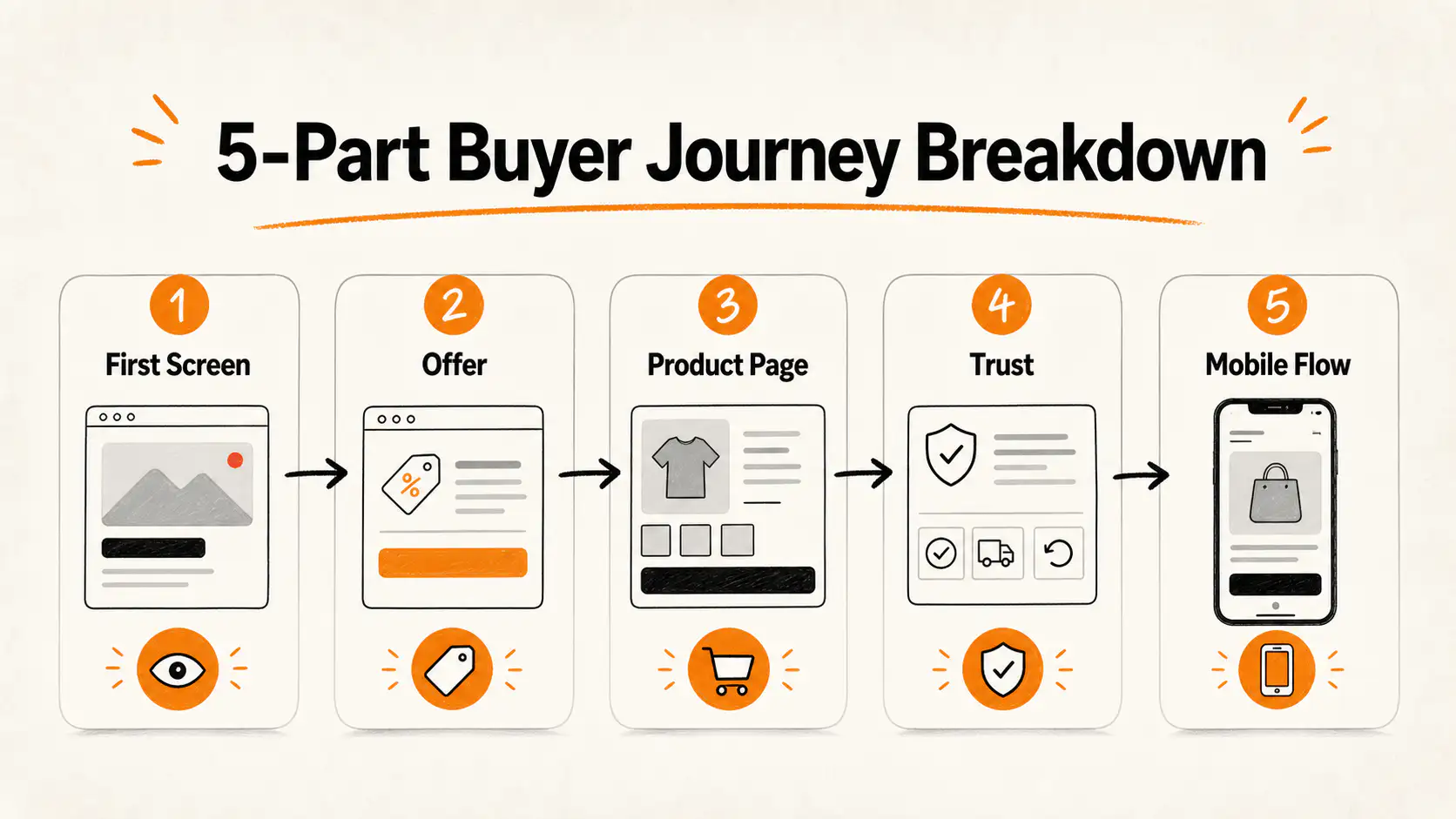
When is an A/B result too noisy to trust?
A result is too noisy when a small number of orders can flip the outcome, when the winner changes after each traffic spike, when one campaign dominates one variant, or when revenue per session moves in the opposite direction from conversion rate. Low-traffic stores are especially exposed because one wholesale order, influencer mention, refund wave, or stock issue can overpower the design signal.
This is why peeking is dangerous. Looking every few hours and stopping as soon as the preferred design pulls ahead can turn normal variance into a fake victory. Shopify's native interface may make the experiment easier to run, but the decision still needs a fixed rule.
| Warning sign | What it means | What to do |
|---|---|---|
| Winner changed multiple times | The test is unstable | Keep running or narrow the audience |
| Conversion up, revenue down | More orders may be lower quality | Check AOV, discounts, returns, and product mix |
| Mobile wins, desktop loses | The design may solve one context and hurt another | Segment the decision instead of averaging blindly |
| One campaign created most orders | Audience mix is polluting the result | Compare by source or rerun under cleaner traffic |
| Support tickets rose | The variant may create unclear expectations | Inspect promise, delivery, return, and sizing language |
What low-traffic Shopify stores should do instead
A low-traffic store can still test, but it should not pretend every test is a courtroom verdict. If the store receives a few hundred sessions per week, the better move is often a sequence of stronger qualitative and operational checks before a smaller quantitative validation.
- Use session recordings to find obvious mobile friction before building a variant.
- Review on-site search, support tickets, chat questions, and product reviews for repeated buyer doubts.
- Ship high-confidence clarity fixes when the current page is plainly missing essential information.
- Use a holdout or gradual rollout when the change is risky, even if the test cannot reach a clean statistical conclusion quickly.
- Treat the first result as directional and monitor the full rollout after publishing.
This is not anti-testing. It is anti-false precision. A founder with low traffic needs fewer decorative experiments and more disciplined decisions about buyer clarity, offer risk, and post-click friction.
A practical redesign testing sequence
If you are planning a Shopify redesign, do not start with two complete themes and ask which one wins. Start with the commercial promise. The redesign should make the store easier to understand, easier to trust, and easier to buy from.
- Audit current leaks: traffic match, product clarity, proof, objections, cart cost, checkout friction, mobile behavior, and tracking.
- Pick the highest-impact surface: the page or step where intent drops without a clear commercial reason.
- Build a test variant that changes one buying-path argument, not the entire brand system.
- Use the native rollout to expose the change gradually if the risk is high.
- Decide in advance what result earns rollout, what result earns another iteration, and what result kills the variant.
- After publishing the winner, monitor the same metrics for at least one business cycle.
Decision criteria before trusting the winner
| Criterion | Trust it when | Be careful when |
|---|---|---|
| Hypothesis | One buyer doubt was targeted | The entire theme changed |
| Tracking | Events match server/order reality | Analytics changed during the test |
| Traffic | Source mix stayed stable | A promo, influencer, or email blast skewed one variant |
| Duration | The test covered normal buying cycles | It was stopped after an early lift |
| Metrics | Conversion and revenue quality align | Only one vanity metric improved |
| Segments | Key device/source segments make sense | The average hides major segment conflict |
The uncomfortable part is that a redesign winner can be real and still not be ready for full trust. A variant can improve add-to-cart while worsening checkout completion. It can raise conversion by pushing discounts harder while lowering margin. It can help paid social buyers while hurting returning customers. The final decision should look at the business outcome, not only the cleanest chart.
Want a redesign test plan before rollout?
Thankik can audit the current Shopify buying path, identify the highest-risk redesign assumptions, and turn them into a practical test plan with metrics, guardrails, and rollout criteria before the new theme goes live.
FAQ
Does Shopify have native A/B testing?
Shopify Rollouts supports experiments for themes, checkout, and customer account configurations. Availability and exact controls can vary by store setup, so merchants should confirm the current Rollouts options in their own Shopify admin.
Should I A/B test a full Shopify redesign?
You can, but a full redesign is hard to interpret because it changes many variables at once. For better learning, test the riskiest buying-path hypothesis first: product clarity, proof placement, cart reassurance, mobile variant selection, or checkout confidence.
How long should a Shopify redesign A/B test run?
Run it long enough to cover normal weekly buying behavior and enough orders that a few purchases cannot flip the decision. Shopify's own A/B testing guidance notes that tests often need at least two weeks, and lower-traffic stores may need longer.
What metric should decide a Shopify A/B test winner?
Use the metric tied to the hypothesis, then check guardrails. For redesign work, revenue per session, purchase conversion, checkout completion, AOV, refunds, support tickets, and mobile performance are usually more useful than a single click metric.
What if a Shopify A/B test winner looks statistically strong but support tickets increase?
Do not publish blindly. Higher short-term conversion with more confusion can create refunds, complaints, and repeat-purchase damage. Inspect expectation-setting around delivery, returns, fit, product claims, discounts, and post-purchase communication.
Sources and verification notes
- Shopify Changelog, Schedule, publish, and A/B test new themes, checkout, and customer account configurations, retrieved 2026-07-24
- Shopify Help Center, Rollouts, retrieved 2026-07-24
- Shopify Blog, The complete guide to A/B testing, retrieved 2026-07-24
- Shopify Blog, A/B testing examples, retrieved 2026-07-24
- Shopify Community, Rollouts feature request discussion, retrieved 2026-07-24
- arXiv, Peeking at A/B tests: Why it matters and what to do about it, retrieved 2026-07-24